
Design the kitchen together that the customer sees before buying
Cabinet is an app for kitchen showrooms and specialists. Draw the full kitchen in 3D together with the customer, swap front, handle, worktop and appliances while the price follows along, show day and night and make photorealistic images up to 4K on your own computer.
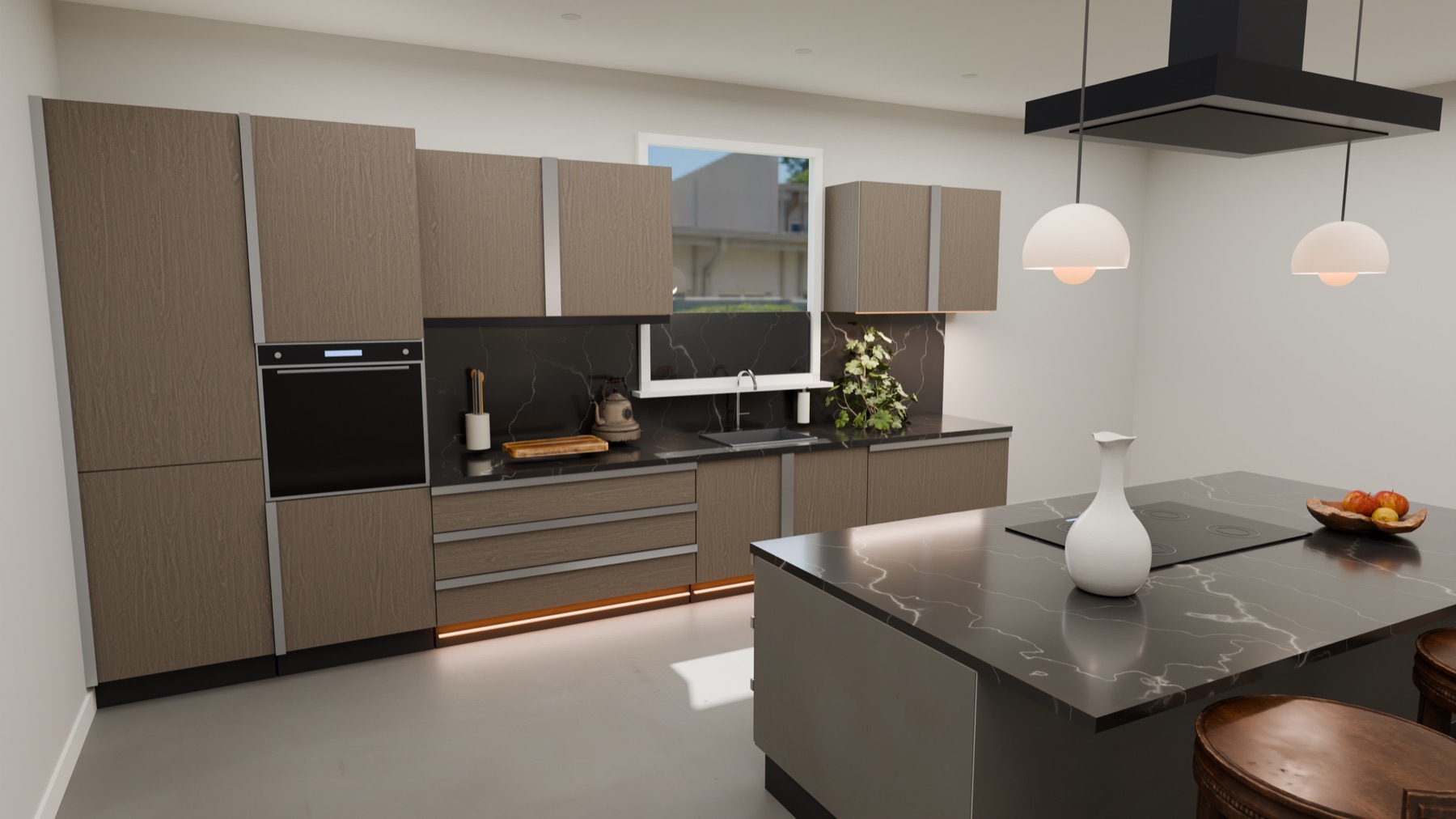
You choose a kitchen with your eyes, not from a drawing. A customer only knows what they are buying when they see it. With Cabinet you design the full kitchen in 3D together with the customer, swap fronts, handles, worktops and appliances while the price follows along, and show the result in an image that is hard to tell from a photo.
What a kitchen from Cabinet looks like
Images made with Cabinet itself, in 4K. The kitchens are examples.
Adjust while the customer watches
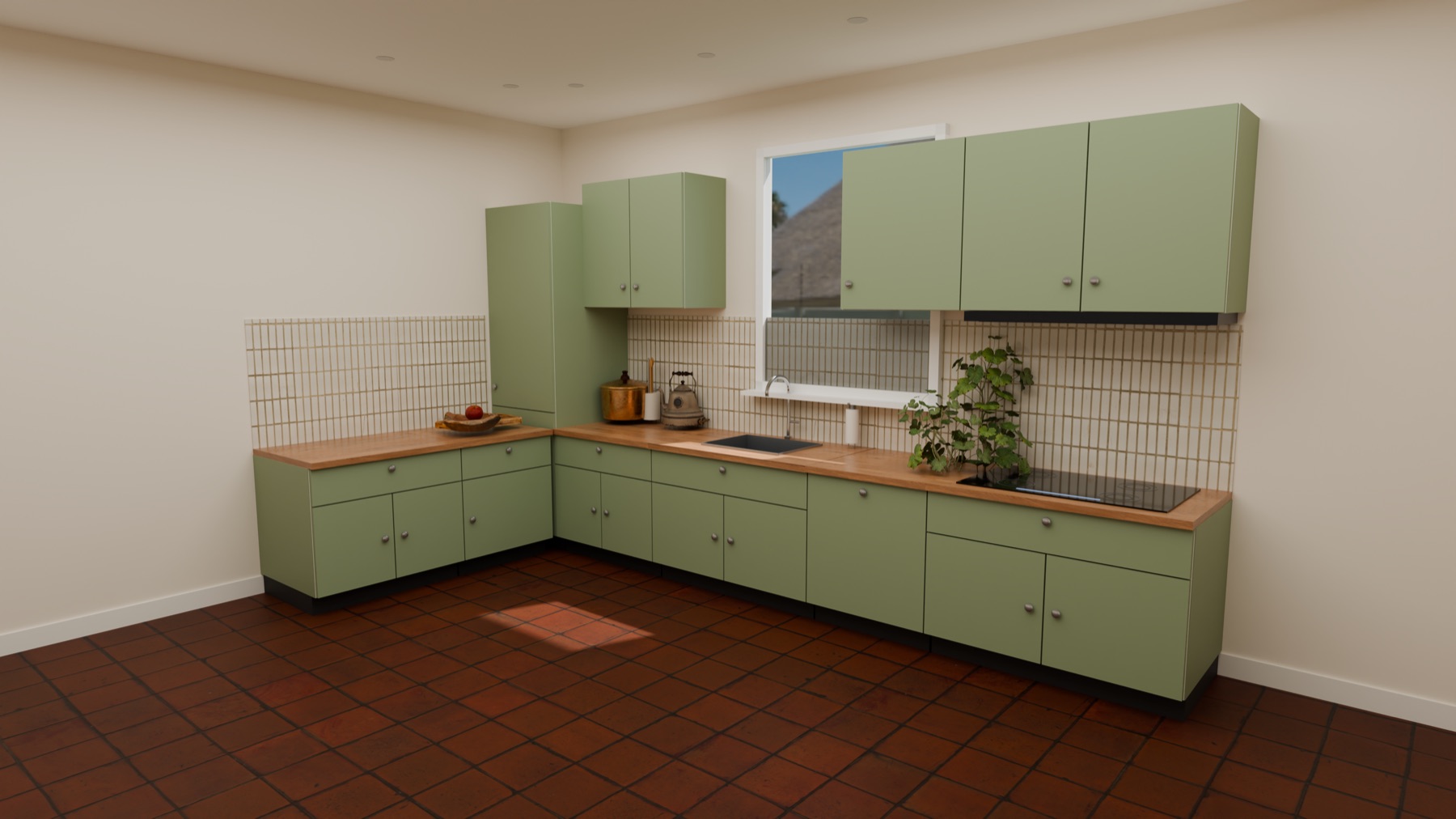
Pick an example kitchen or start blank. Change the front, handle, worktop, appliances, floor and wall and see the price difference at every choice. You can always step back. Design variants A, B and C side by side so the customer can compare without you redrawing anything.
Day, evening and night in the same kitchen
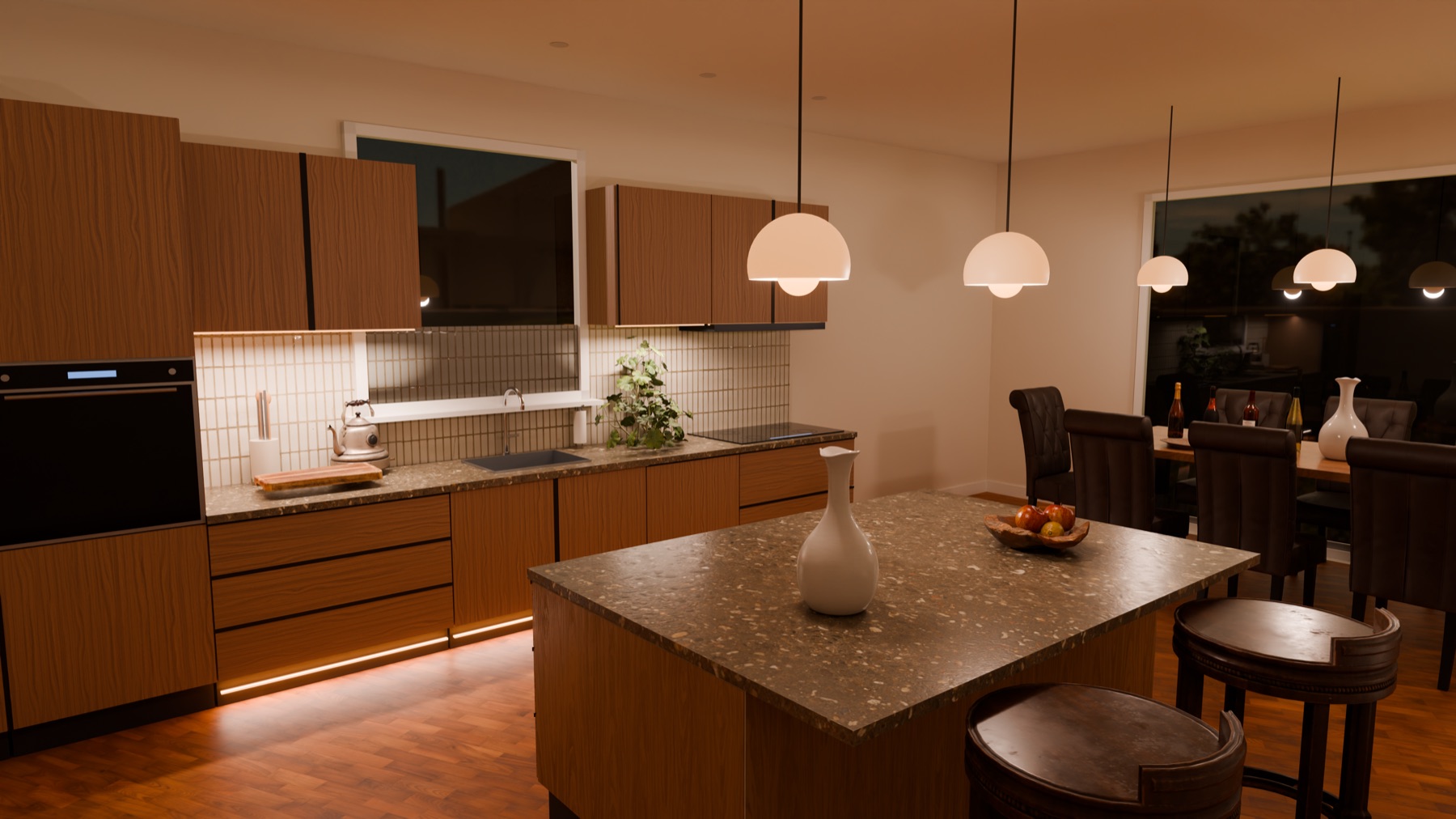
A kitchen looks different at eight in the evening than at noon. Switch between day, evening and night, move lamps, let the sun fall through the window and walk around the kitchen as if you are already standing in it.
An image to take home
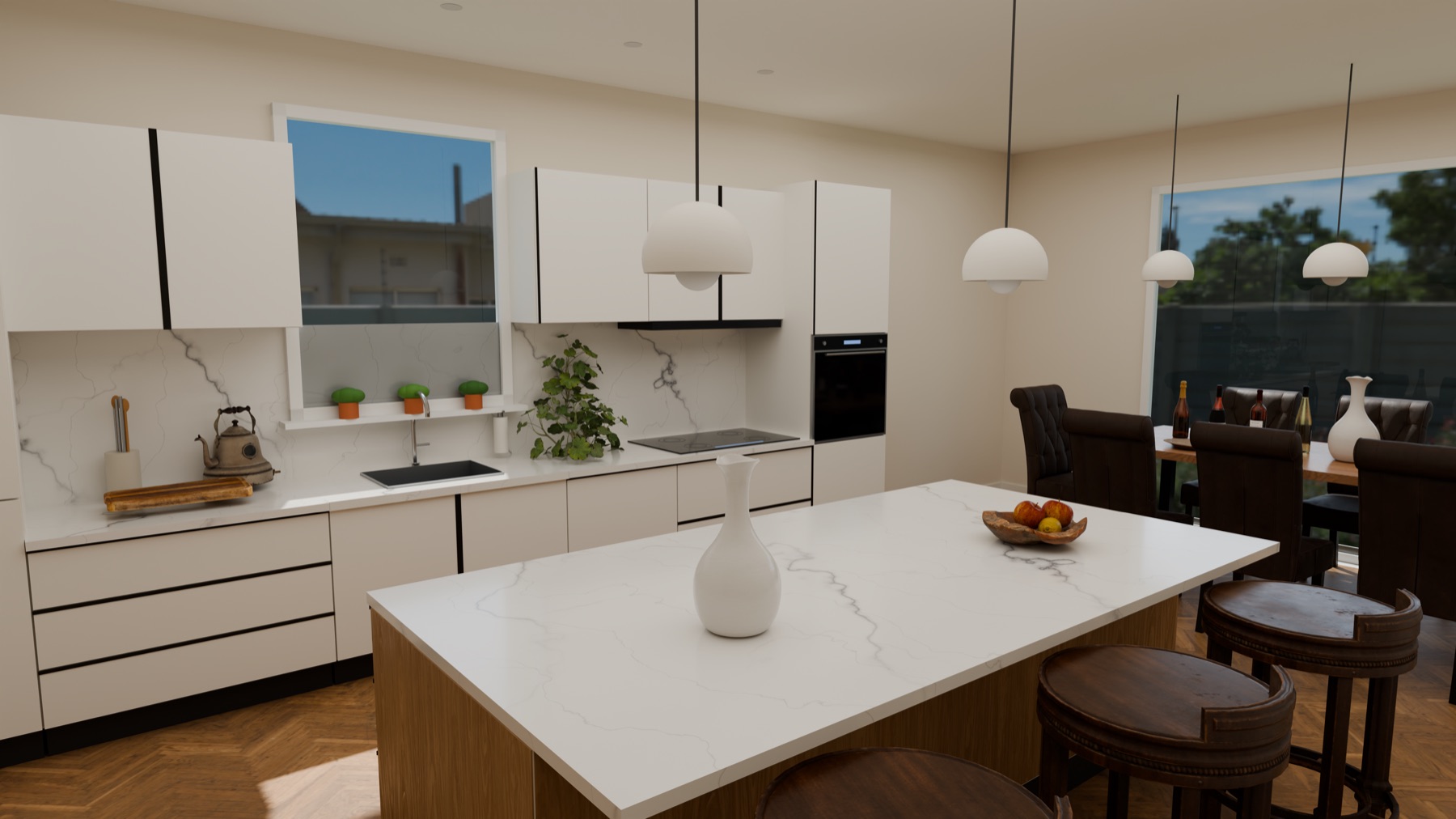
Have the computer produce a truly photorealistic final image, up to 4K. It runs on your own computer, takes a few minutes and uses the computer's graphics card. The images go into the quote and the customer link.
What Cabinet does
Showroom mode
A simplified interface with large buttons so the customer can try it on the big screen. Swap front, handle, worktop and appliance with the price live.
Customer link with comments
Send the customer a link. They view the design on phone or computer, leave a comment with a pin in the image and approve.
Quote with a price per item
A quote straight from the design with discount, as a PDF and through the customer link. The design is the source, so a change shows up in the price immediately.
Variants side by side
Work with variants A, B and C and show the price difference. Comparing is quicker than designing twice.
Light and mood
Day, evening and night, freely movable lamps, sun through the window and walking around the kitchen.
4K renders on your own computer
True photorealistic images without a server or subscription. The render engine is fetched once and then works offline.
Link to Kade
Once the design is approved, the order goes to Kade, where you handle purchasing per supplier, scheduling, installation and customer messages.
Mac and Windows
A regular app to install, with updates through Nimbus Beacon. Designs keep working without internet.
No data to an image model
Renders are truly calculated on your own computer. Nothing is invented by an AI image model, so what the customer sees is what you deliver.
Under the hood
- PlatformmacOS (Apple Silicon and Intel) and Windows, installable app
- Displayreal-time 3D with shadows, day, evening and night, walkthrough
- Final imagephotorealistic render up to 4K through Blender, locally on the graphics card
- EditionsDemo (1080p, watermarked) and Full (up to 4K, no watermark)
- Collaborationcustomer link with comments and approval, quote PDF, link to Kade
- Updatesthrough Nimbus Beacon, signed and notarised
Who it is for
Kitchen showrooms
Sell a kitchen the customer has already seen, with a price that moves during the conversation.
Kitchen specialists and dealers
Design faster, show variants and deliver a quote and final image in one go.
Interior builders
For cabinets and custom joinery there is also Atelier, with cutting plans and workshop drawings.
See Cabinet in your own showroom
We show Cabinet with your kind of kitchens and discuss how it fits your catalogue and your quotes.
Frequently asked questions
What does Cabinet cost?
Cabinet is supplied per licence. There is a Demo edition to try and a Full edition for daily use. We prepare a quote based on the number of workstations.
Do I need a powerful computer?
Designing works on an ordinary modern laptop. For the 4K final images you need a computer with a real graphics card (Apple Silicon, NVIDIA or AMD). One image takes a few minutes.
Can the customer look along?
Yes. You send a customer link. The customer opens it on a phone or computer, can comment with a pin in the image and can approve.
Does my own range fit in?
Cabinet is built to work with the catalogue and price lists of your suppliers. In a conversation we look at which items and prices you want to use.
Is this a working name?
Yes. Cabinet is the current name of the product and may still change. The features above already work.